When experiencing login issues with Quicklizard, you can often resolve them promptly without waiting for our support team by following these straightforward steps outlined in the guide.
Here are some typical problems you might face while logging into Quicklizard. If your issue isn't listed or resolved, our Support team will gladly help you. Contact them via email at support@quicklizard.com.
3rd-party provider is not defined for your organization
Error generating login redirect URL: redirect URL not found in query string, form, or cookie
Error "too many requests"
Login failed: unknown email/password combination
3rd-party provider is not defined for your organization
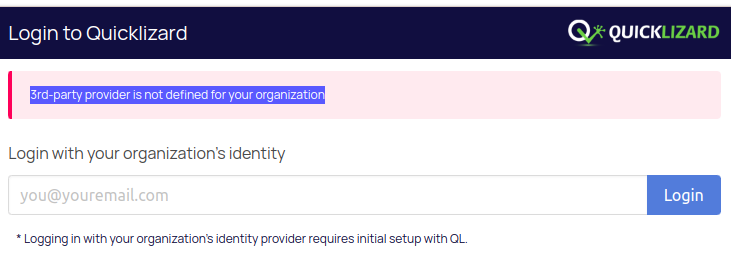
This error signals difficulty logging in through the SSO system, as SSO is not configured for the account. Attempt logging in using the user-password combination in the lower box. If you've forgotten your password, utilize the "forgot password" button.
Error generating login redirect URL: redirect URL not found in query string, form, or cookie
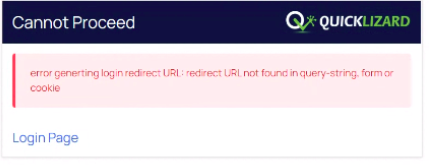
This error usually occurs on the problem with the URL used to log in or the cache.
The first step to solve it is to use this link to log in (and for all future logins) to the US:
https://app.quicklizard.com/ to the EU: https://app.euca.quicklizard.com/
If that doesn't work, try deleting the cache to your Chrome browser and log in again using the above links.
Error "too many requests"
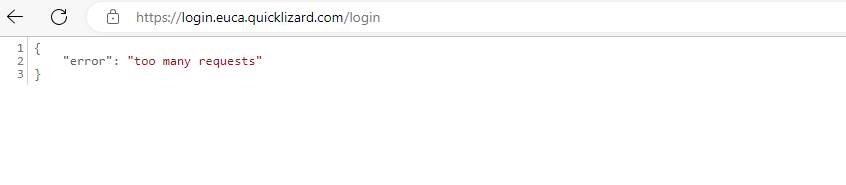
This error usually occurs on the problem with the URL used to log in or the cache.
The first step to solve it is to use this link to log in (and for all future logins) to the US:
https://app.quicklizard.com/ to the EU: https://app.euca.quicklizard.com/
If that doesn't work, try deleting the cache to your Chrome browser and log in again using the above links.
Login failed: unknown email/password combination
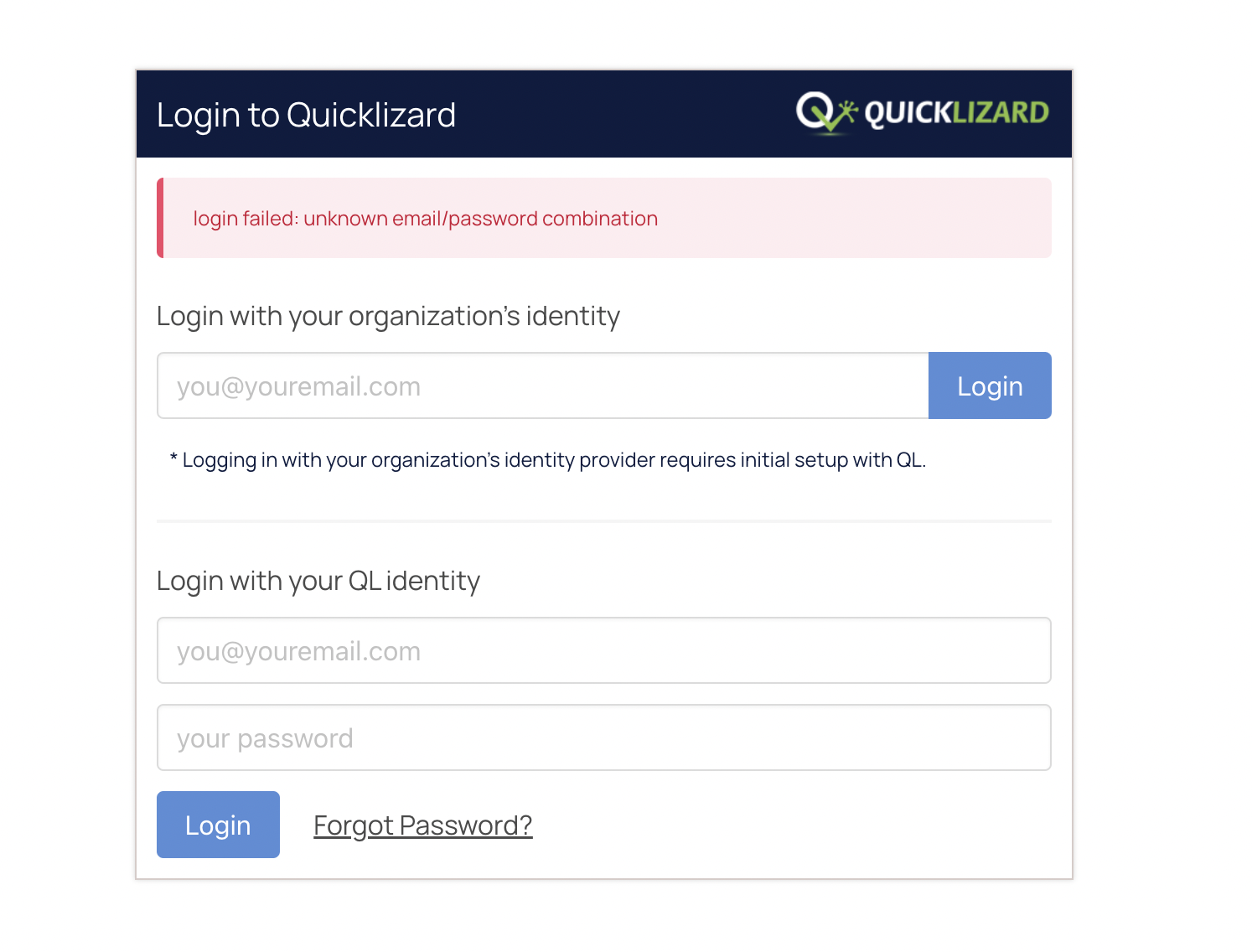
When this error occurs, it means there is a problem with the email or password provided. Here are steps you can take to solve it quickly
-
Click the Forgot password button at the bottom. When clicking you will be required to provide your email, and in a few minutes, you will get the email to reset the password.
The password should be reset at most 24H from when the email was sent. -
Ensure the user is registered to the system, this can be checked with an admin using the UI, or with the support team of Quicklizard.
-
Make sure your team doesn't use the SSO method to log in. If so, the traditional email-password combination method will not work and you should log in the top box and click login.
Comments
0 comments
Please sign in to leave a comment.